
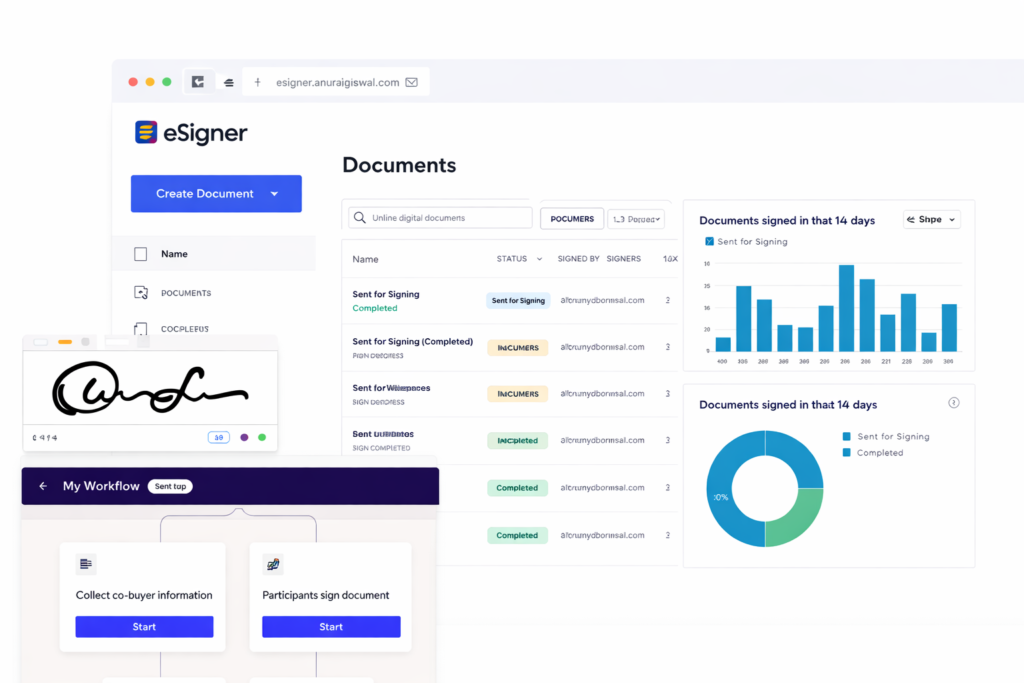
E-Signer is a modern electronic signature platform
It designed to make document signing simple and efficient. Instead of printing documents, signing them manually, and sending them back through email or courier, E-Signer allows you to complete the entire process digitally in just a few clicks.
Sign Documents Online- Quickly, Securely, and from Anywhere
E-Signer is a modern electronic signature platform designed to make document signing simple and efficient. Instead of printing documents, signing them manually, and sending them back through email or courier, E-Signer allows you to complete the entire process digitally in just a few clicks.
Whether you're sending an agreement, offer letter, appointment letter, contract, or any official document, E-Signer helps you manage the entire signing workflow from one place.
Simply upload your document, add the people who need to sign it, place the signature fields, and send it for signing. Once everyone has signed, the completed document is automatically delivered to all participants through email.
With E-Signer, you can save time, reduce paperwork, and ensure your documents are handled securely.
A Faster Way to Handle Important Documents
Businesses often spend hours managing paperwork- printing documents, chasing signatures, and storing physical files. E-Signer eliminates these steps by bringing the entire process online.
From small teams to large organizations, E-Signer helps simplify document workflows and keeps everything organized in one secure platform.
How E-Signer Works
Share processes an data secure lona need to know basis without the need
Our prices are clear and straight forward
Upload Your Document
Upload the document that requires signatures. This could include agreements, contracts, offer letters, appointment letters, NDAs, or other official documents.


Add Signers
Enter the email addresses of the individuals who need to sign the document. You can also define the order in which signers should complete the document if needed.

Place Signature Fields
Drag and place signature fields, initials, or date fields exactly where they are required within the document.

Send for Signing
Once the document is prepared, send it to the recipients. They will receive an email notification with a secure link to sign the document.

Receive Completed Documents
After all parties sign the document, the finalized copy is automatically shared with everyone involved and stored securely in your dashboard.
